Streamline shipment creation and data capture across fragmented systems
Shipment Connect is the app your site teams use to create, check out, and secure shipments on site, no integration or new hardware needed.
.webp)
TRUSTED BY THE TOP GLOBAL BRANDS


Capture accurate and secure shipment data at the source
.svg)
Configurable shipment workflows

Improved data accuracy
.svg)
Built-in security and quality assurance
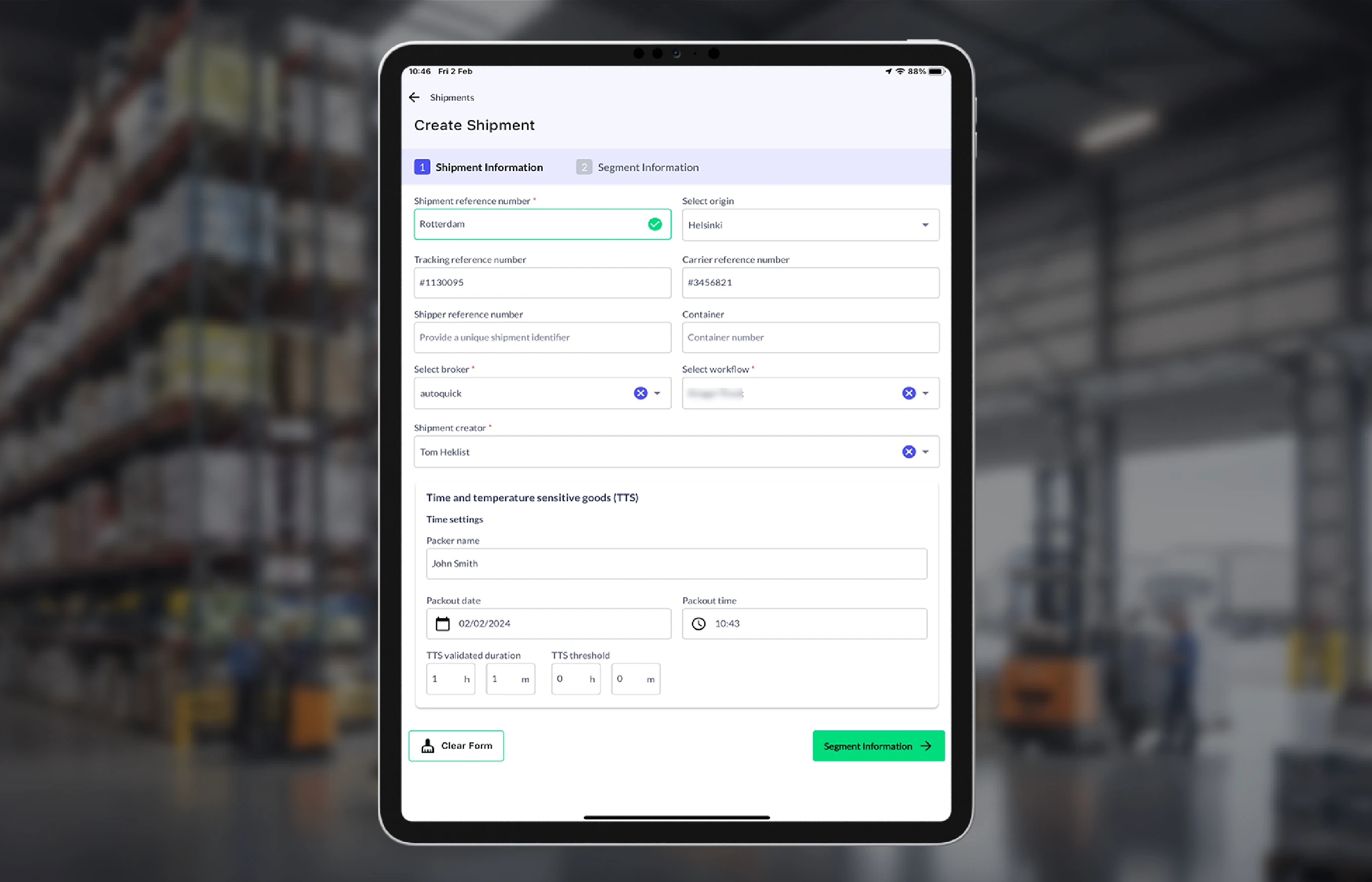
Create and check out shipments onsite
Capture accurate shipment information before freight leaves the facility.


Apply the right security controls for each shipment
Enforce shipment-specific security requirements based on workflow and risk.


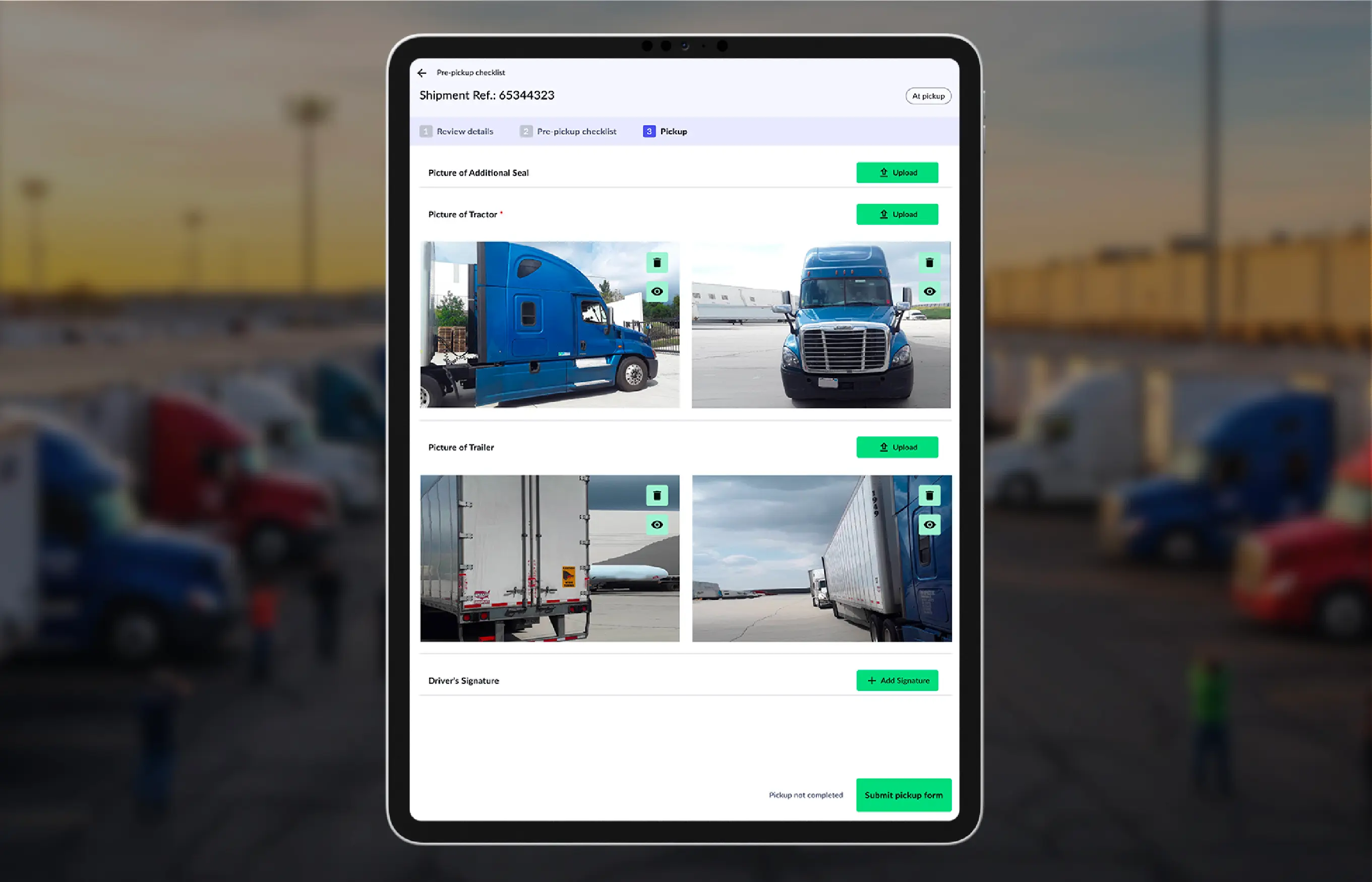
Document departure conditions with visual evidence
Capture imagery that supports investigations, recovery, and dispute resolution.

Stop fraud and double-brokering in your supply chain
Everything you need to see and control your shipments at scale

Real-time shipment status & ETAs

Exception-based prioritization
Multimodal shipment tracking

Segment-level shipment views
Centralized shipment records

Shareable shipment views
Perguntas frequentes
Shipment Connect is designed for warehouse and site personnel responsible for shipment creation, checkout, and security verification before departure.
No. Shipment Connect uses configurable shipment workflows, allowing checkout steps, security controls, and documentation requirements to vary by shipment, lane, customer, or risk profile.
Shipment Connect enforces workflow-defined security controls and captures visual evidence at checkout, ensuring required steps are followed and documented before freight leaves the facility.
When FraudWatch is enabled, Shipment Connect surfaces in-app warnings during shipment creation and checkout for high-risk carriers and drivers, flagging elevated risk scores, known bad actors, and potential double brokering when the arriving carrier does not match the planned carrier. Shipment Connect also captures high-quality visual evidence at origin to support investigations and recovery efforts in the event of cargo theft, with image analysis such as signage tampering detection handled by RiskGPT Vision.
No. Shipment Connect complements integrations by standardizing onsite shipment data capture, even when suppliers and partners operate on different systems.
Shipment Connect runs on standard iOS and Android phones or tablets. No specialized or provisioned hardware is required.