Cold Chain & Quality:
TABLE OF CONTENTS
Cold Chain & Quality updates:
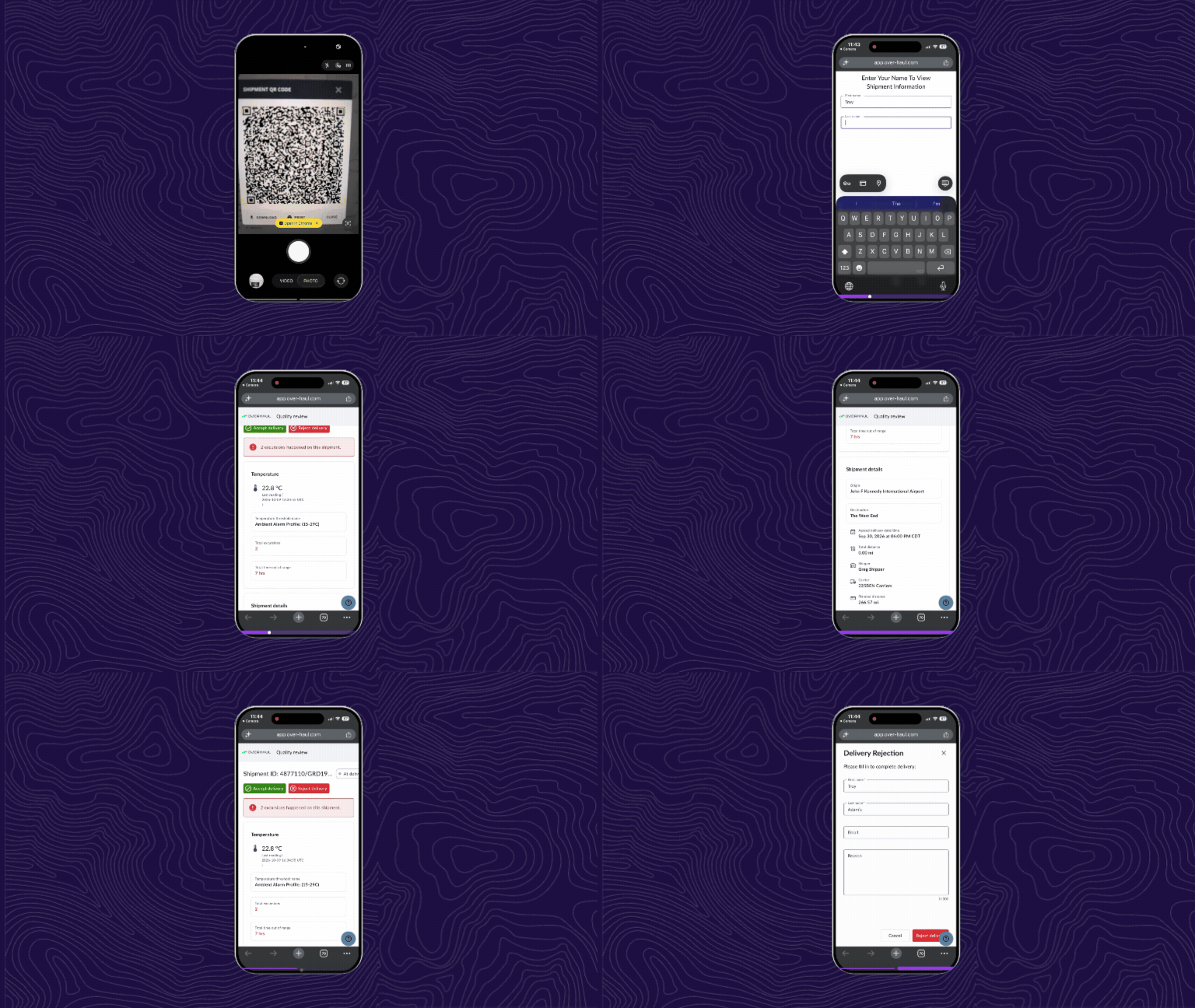
Quality Review: Understand excursion impact faster
An alert tells you a temperature threshold was crossed. Your quality team needs to know how long the product was exposed and whether it matters. The Quality Review page now answers both questions at a glance.
- See calculated total time out of range based on high-risk temperature events during transit
- Confirm alarm status immediately with a clear Alarms or No Alarms indicator
- Show only high-risk excursions on the review page so reviewers focus on what affects product quality
Quality Review: Make acceptance decisions with the full shipment picture
Receiving teams can now review the context behind every shipment on one page, from the moment it is in transit through the final accept or reject decision.
- Review origin, destination, scheduled delivery, carrier, shipper, distance, and time in transit together
- See the named temperature threshold applied to the shipment
- Move through in-transit, post-delivery review, and accept or reject views in a streamlined layout
Quality Review: Control when shipments count as delivered
A shipment with open temperature alerts should not close itself out. You now decide when cold chain shipments move to delivered.
- Require a manual accept or reject before shipments with quality alerts are marked delivered
- Keep the standard geofence rule for shipments without alerts
- Configure the behavior per shipment workflow
Risk Monitor: Confirm thresholds without leaving the graph
The applied quality threshold and alert name now appear directly in the temperature view of the Device Graph, so analysts can confirm the right settings without opening the shipment editor.